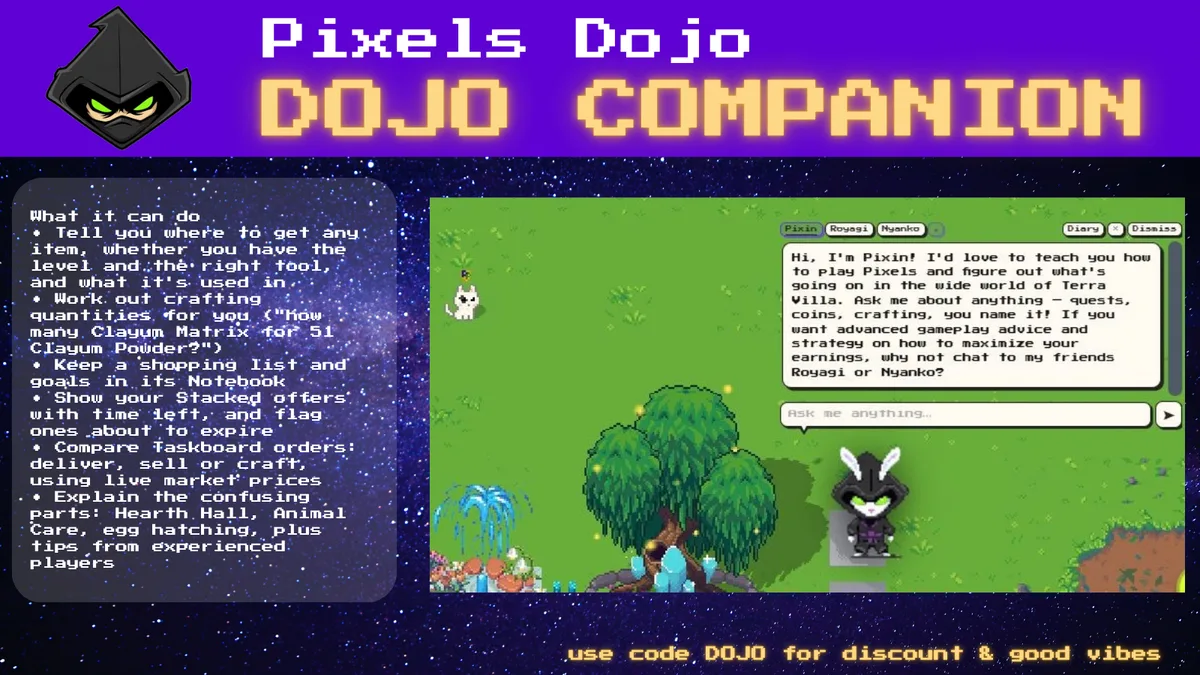
Your AI helper inside Pixels Online
⬇ Download Companion
Great for learning the game. Ask Pixin anything — recipes, tools, energy, offers — and get straight answers.
Plans your day around what pays. Reads live market prices and helps you pick what to craft next.
A second voice for hard calls. Compares options, flags risks, and remembers what you're working toward.
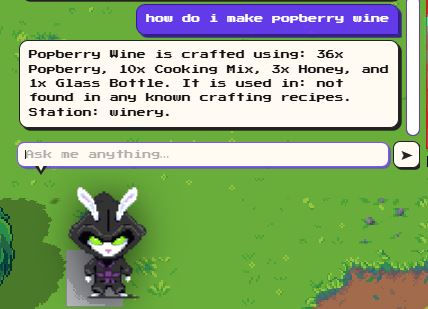
Ask where anything comes from and get a checked answer: mined, chopped, farmed, fished or crafted — plus the tier, the level you need, and whether your current tools are good enough. It also tells you what the item is used in, and which land type it needs (like Salt on water land).
Try: "where do I get salt?" or "can I farm butterberry?"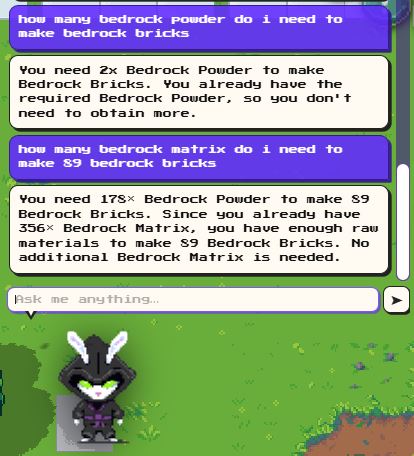
Stop doing sums on your phone. Tell it what you want to make and how many, and it works out exactly how much of every ingredient you need — including ingredients of ingredients — and checks what you already have in your backpack. Add the results to your shopping list in one message.
Try: "how many clayum matrix do I need to make 51 clayum powder?"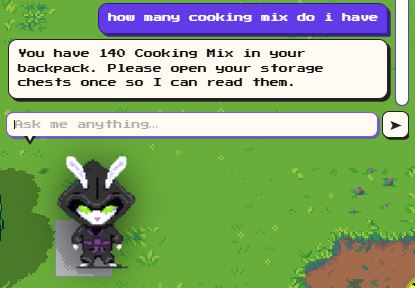
It reads your backpack and your Taskboard, so it can tell you which orders you can already fill, what you're still missing, and the bonus skill XP each order gives.
Try: "do I have any items for my taskboard?" or "how many cooking mix do I have?"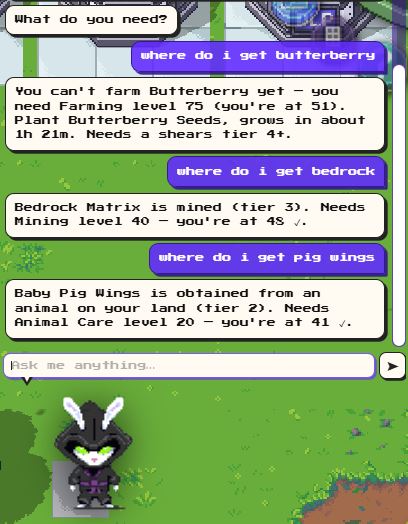
The confusing parts, explained simply: Hearth Hall, Animal Care, hatching eggs and baby animals, feeding, Neon Zone games, energy, fishing and tools — plus tips from experienced players, like storing nearly-worn tools to craft the next tier.
Try: "how do I hatch an egg?" or "any tips?"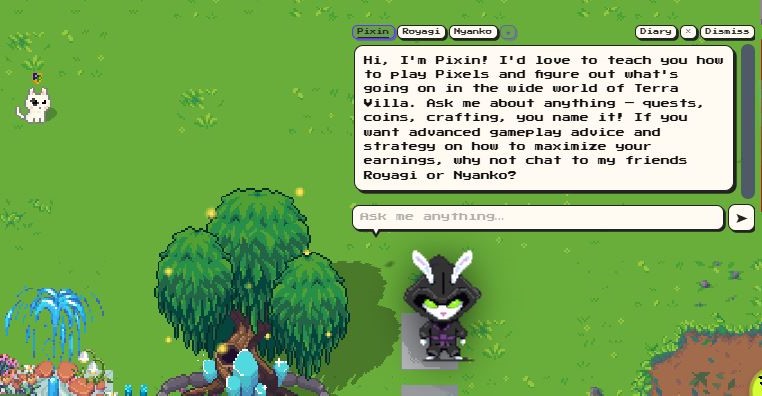
See your Stacked offers with time left, get coin ideas from live market prices (starting with stock you already own), and find public lands with the mines or ponds you need.
Try: "how can I earn more pixels?", "how can I earn coins quickly?" or "where can I mine tier 3 on water land?"chrome://extensions (or brave://extensions / edge://extensions).manifest.json).Updating: download the new zip, replace the folder, then click reload on the extension card.
Chrome Web Store version coming soon.
Pixels Game Addons and the Voxels extension can now run at the same time. The companion chains their hooks rather than overwriting them, and logs clearly at startup which extensions are active.
Six independent detection strategies find your orders even when PGA has restructured the DOM. Nothing fails silently — each step logs its result.
Ready-to-deliver orders and orders you can craft from stock come first. Only Stacked offers you can actually fill are shown.
Strategy answers now use the same profit calculation as the top-7 taskboard ranking — buy vs craft, energy cost, net gain — all consistent.
"Have I got…" questions, honey source checks and recipe have-counts now count items in your storage chests as well as your backpack.
Beginners get a step-by-step path for their first day — what to do, what to build, and how to start earning pixels.
Pixels Dojo Companion is growing all the time — new features, better answers and more game knowledge are added every week. Right now it runs on a small, free AI model, so it has its limits: it's great with facts, recipes and your own game data, but it can still get things wrong or be a little slow. Once premium launches, the plan is to put those fees towards a larger, smarter model that thinks faster and gives even better advice. Your feedback shapes what comes next.
💬 Give feedback